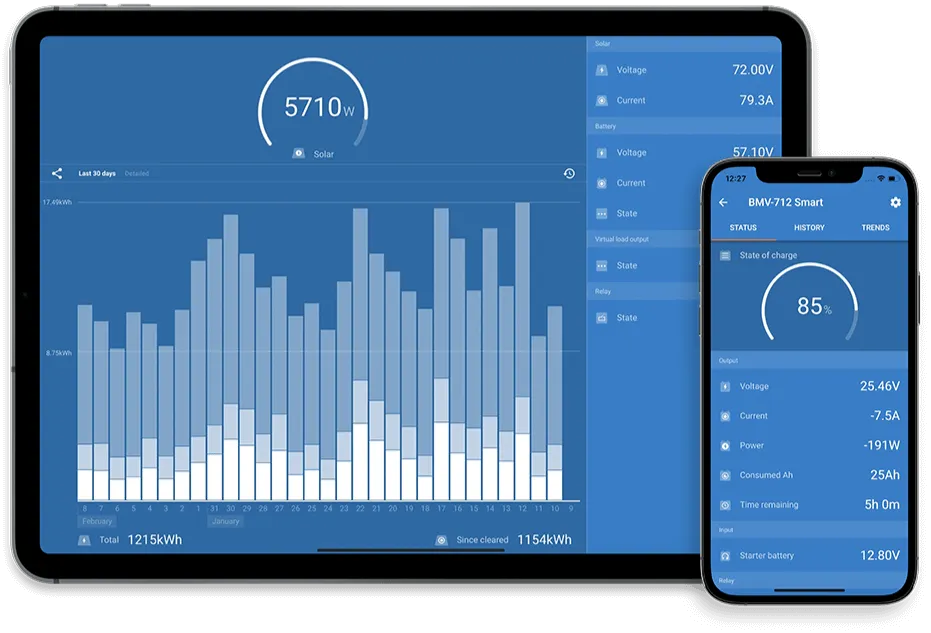

Victron SmartShunt state of charge calibration is essential for accurate battery monitoring in any RV or off-grid solar system. If the SmartShunt is not configured correctly, your system may show incorrect battery percentages, leading to premature shutdowns or unexpected power loss.
This guide walks through how to properly configure and synchronize a Victron SmartShunt using the VictronConnect app so your system reports battery state accurately.
This procedure is suitable for lithium (LiFePO₄) and lead-acid batteries, with notes where lithium systems differ.
What This Process Does (In Plain Language)
- Tells the SmartShunt how large your battery bank is
- Defines what “fully charged” means
- Synchronizes the shunt so 100% actually equals full
- Ensures the shunt can correctly track charge and discharge over time
- If any of these steps are skipped, SoC readings will drift and become unreliable.
Before You Begin (Required Conditions)
Do not start calibration unless all of the following are true:
- Battery bank is fully charged (or very close)
- No large loads running (turn off inverter loads if possible)
- Charging source is stable (shore power or solar)
- VictronConnect app is connected to the SmartShunt, not an inverter or charger
⚠️ If the batteries are not full, the shunt cannot be synchronized correctly.
Step 1: Open the SmartShunt in VictronConnect
- Open the VictronConnect app
- Select your SmartShunt from the device list
- Confirm you are on the Overview screen

Step 2: Set the Battery Capacity
The SmartShunt must know the total usable capacity of the battery bank.
- Tap Settings
- Tap Battery
- Find Battery capacity
- Enter the total capacity in amp-hours (Ah)
Example:
- Two 200Ah batteries in parallel → 400Ah
- Four 100Ah batteries → 400Ah
Use the manufacturer’s rated capacity.
Do not reduce this value for “usable capacity.”
Step 3: Set the Charged Voltage
This value tells the shunt when the battery should be considered full.
Typical values:
- LiFePO₄: 13.4–13.6V (12V systems)
- AGM / Lead-acid: 13.2–13.4V
- In Battery settings
- Locate Charged voltage
- Enter the value recommended by your battery manufacturer
For lithium systems, this is critical.
Too high = SoC never reaches 100%
Too low = false full readings
Step 4: Set Tail Current
Tail current defines when charging is considered “complete.”
- Find Tail current
- Set to:
-
- Lithium: 2–4%
- Lead-acid: 3–5%
This value represents the point where charging current tapers off and the battery is effectively full.
Step 5: Set Charged Detection Time
This prevents brief voltage spikes from triggering a false full state.
- Set Charged detection time
- Recommended value: 3 minutes
This means voltage and tail current conditions must be met continuously for the set duration.
Step 6: Victron SmartShunt State of Charge Calibration
The SmartShunt can be synchronized in two different ways, depending on your system and what reference data you have available.
Option A: Automatic Synchronization (Standard Method)
Use this method when the battery bank is known to be fully charged.
-
Confirm batteries are fully charged
-
- Charging source active (solar or shore power)
- Charging current has tapered
- Battery voltage is stable at float
- In VictronConnect → SmartShunt → Battery settings
- Tap Synchronize
- Confirm when prompted
The SmartShunt will reset State of Charge to 100%.
This is the preferred method when full charge conditions are met.
Option B: Manual State of Charge Entry (Manufacturer App Reference)
Some lithium batteries include an internal BMS that reports State of Charge through the manufacturer’s app.
Examples include batteries from Epoch Batteries.
In these cases, you may manually align the SmartShunt with the battery’s reported SoC.
When to Use This Method
- Battery is not yet fully charged
- Battery BMS app reports a reliable SoC value
- You need to re-align the SmartShunt after a deep discharge
- The system was powered down and SoC drifted
Steps
- Open the battery manufacturer’s app
- Note the current State of Charge reported by the battery
(example: 72%) - Open VictronConnect
- Select the SmartShunt
- Go to Settings → Battery
- Locate State of charge
- Manually enter the value reported by the battery (e.g., 72%)
- Confirm the change
The SmartShunt will now continue tracking charge and discharge from this corrected reference point.
Important Notes About Manual SoC Entry
- This does not replace proper synchronization at full charge
- Manual entry is a temporary alignment, not a calibration
- For best long-term accuracy, perform a full charge synchronization when possible
- If the battery app and SmartShunt consistently disagree, review:
-
- Battery capacity setting
- Charged voltage
- Tail current
Best Practice Recommendation
- Short term: Manual SoC entry is acceptable when needed
- Long term: Always synchronize at full charge when conditions allow
For lithium systems with smart BMS reporting, many owners use:
- Manual SoC alignment during normal operation
- Full synchronization after extended charging sessions
Proper Victron SmartShunt state of charge calibration ensures the battery monitor remains accurate over time, even after deep discharges or system restarts.
Step 7: Verify Proper Operation
Return to the Overview screen and confirm:
- State of Charge = 100%
- Current is near zero or slightly negative
- Voltage matches expected resting voltage
If SoC does not hold steady after charging stops, recheck:
- Battery capacity
- Charged voltage
- Tail current
Common Mistakes to Avoid
- Synchronizing when batteries are not fully charged
- Guessing battery capacity
- Using inverter voltage instead of battery specs
- Skipping tail current configuration
- Relying on SoC without ever re-synchronizing
When to Re-Synchronize
You should repeat this process if:
- Batteries were deeply discharged
- Battery bank was modified or expanded
- Shunt shows persistent SoC drift
- After initial installation of a new system
For most RV users, once every few months is sufficient.
Final Notes
The SmartShunt does not “measure” capacity directly—it calculates it.
Correct setup is what makes Victron systems reliable.
If you are unsure about voltage values, lithium profiles, or system architecture, incorrect configuration can lead to premature battery shutdowns or inaccurate system behavior.
Performing Victron SmartShunt state of charge calibration periodically is recommended for long-term reliability in RV solar systems.
Need Help?
If you’d like help verifying your setup or want this configured professionally,
Cascade RV Solar Solutions provides remote system reviews and in-person service.
Solar Powered
Sustainable Off-Grid RV Solar Solutions
Designing, installing, and optimizing custom RV solar solutions for efficient, green, off-grid experiences.


